
Access and Use Start Using the Program
Watch ‘How To’ Videos While Using the Program
Watching a How To video shows exactly how do something.
Click the How or Help button on Most Displays
Refer to the Manual

Resources to Help You Get Started or Learn More
Starting
We all struggle and worry about how hard it might be to learn something new.
There are several resources available to make it easier to understand and get started. You will not have that problem as you begin using Heritage Collector.
How and Help Buttons
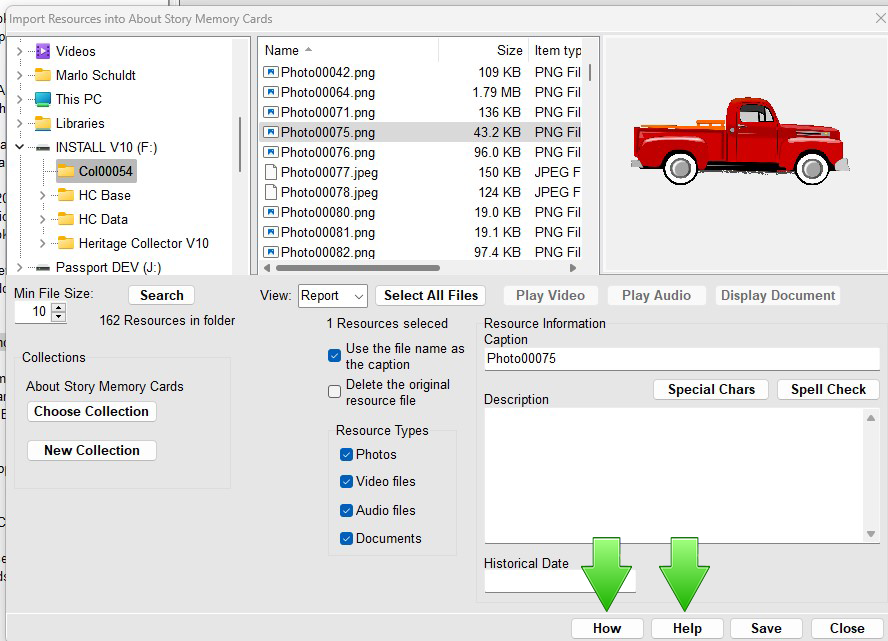
Most displays will have a ‘How’ or ‘Help’ button at the bottom.
Clicking on the Help button will bring up a section of the manual that will explain the process.
Clicking the ‘How’ button will display a movie about that process.
How To Videos
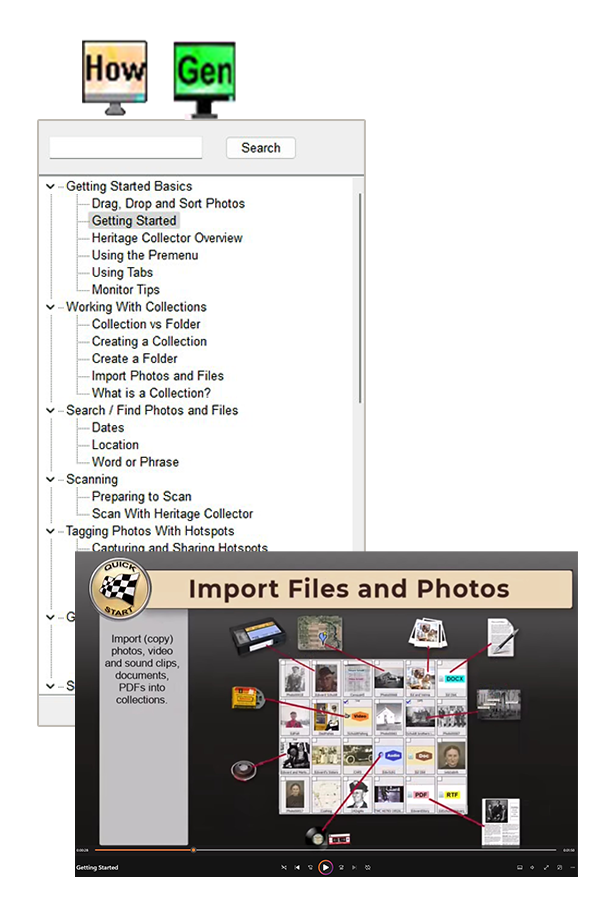
The great thing about watching a How To video is it may present and explain a new idea that will really help you. The steps outlined in a video are also contained in the manual so there is no need make notes because that information is already outlined in the manual. Everything in Heritage Collector is designed to work together toward a common goal.
Documentation
The manual is 90+ pages. Don’t let that scare you. It’s large because each page helps make it easier with noted step-by-step instructions making the instructions easy to follow. Screen captures make it easy to visualize. Short How To videos help you understand and see the process.
Webinars
A webinar might be just the thing you need to help you over a rough patch. Watching is easier than reading and helps you comprehend understand a process.
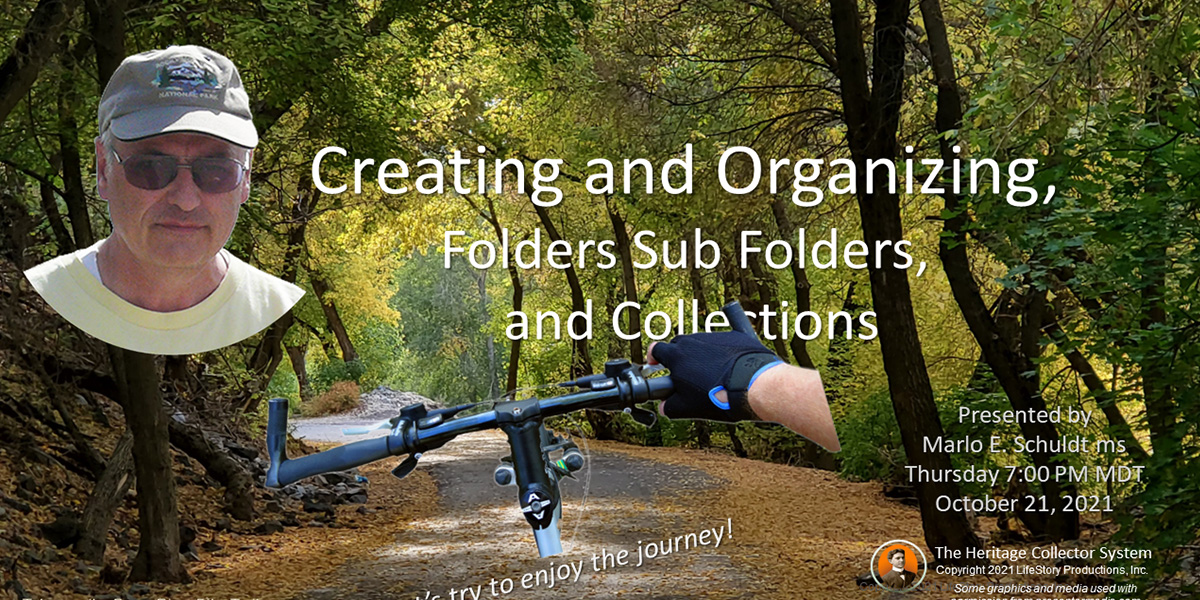
Best of all, it’s and recorded. Many of our users like to come because they don’t feel intimated by other users and can ask ‘dumb’ questions without feeling embarrased. We are all there to learn and help each other.