
Improve Photo Organization
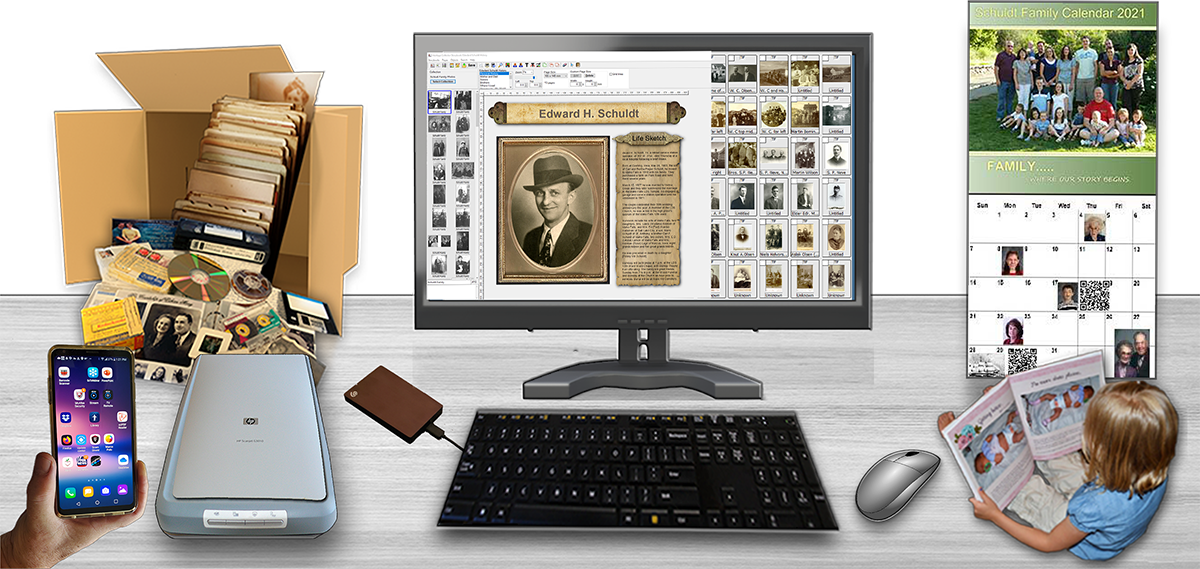
Heritage Collector comes with everything you need.
Several management utilities are included to help you work with files.
The included apps make it fun to make storybook pages, calendars, slideshows, and more.
Make it easier to get started and learn new things by watching free “How To” videos or attend a free webinar.
ALL of the following items come installed with the software.
About Pricing. There are no hidden fees or trials. You will not be purchasing a yearly or monthly rental.
You will own the software!
This Webpage is Being Updated – Yes it Looks Terrible at the Moment!
Getting Started Basics
- Copy files into collections.
- Add captions and descriptions.
- Tags make photo identification easy and accurate.
- Search and find files in seconds.
- Scan photos to a collection saves time. Improves organization.
- “How To” videos are included.
Helpful Utilities
- Find and eliminate duplicates.
- Share with others via the Internet.
- Install / run off an external drive.
- Add GPS to photos.
- Add and view metadata.
- Photo enhancement.
- Create QR codes.
- Incremental backup.
Special Purpose Apps
- Slideshow.
- Storybook Pages.
- Different Size Calendars.
- Create Shareable PDFs.
- Greeting Cards.
- Find and Add GPS coordinates.
- Share With Other Users.
Help & Support
- “How To” movies included.
- PDF user manual.
- Free live Webinars with Q&A.
- Access to Free Webinar Library.
How to Begin Using Heritage Collector
Start Simply
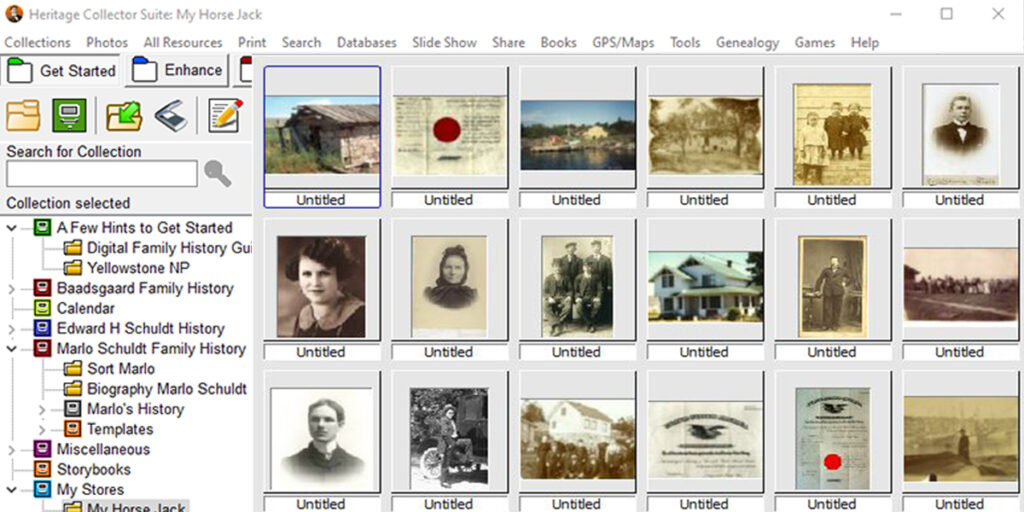
You can start immediately, without any preparation by importing photos and files into the “Sort” collection. Later you can create collections and then drag or move files into other collections.
You can copy or scan photos directly into the Sort collection or to other collections which makes it easy to improve your organization as you work.
The next step is to create some folders and collections. You can use a similar folder structure. It’s easy to rename and create additional folders and collections. Files and photos can now be copied into collections. You can also drag files and photos into other folders and collections to improve you organization even more.
Improve Photo and File Organization
In a short time, you may have hundreds or thousands of photos and files in Heritage Collector. Fortunately, it’s easy to drag or copy photos into different collections that are more appropriate. Changes can be made at any time.
Improve Photo Organization
Tag and Identify Each Person
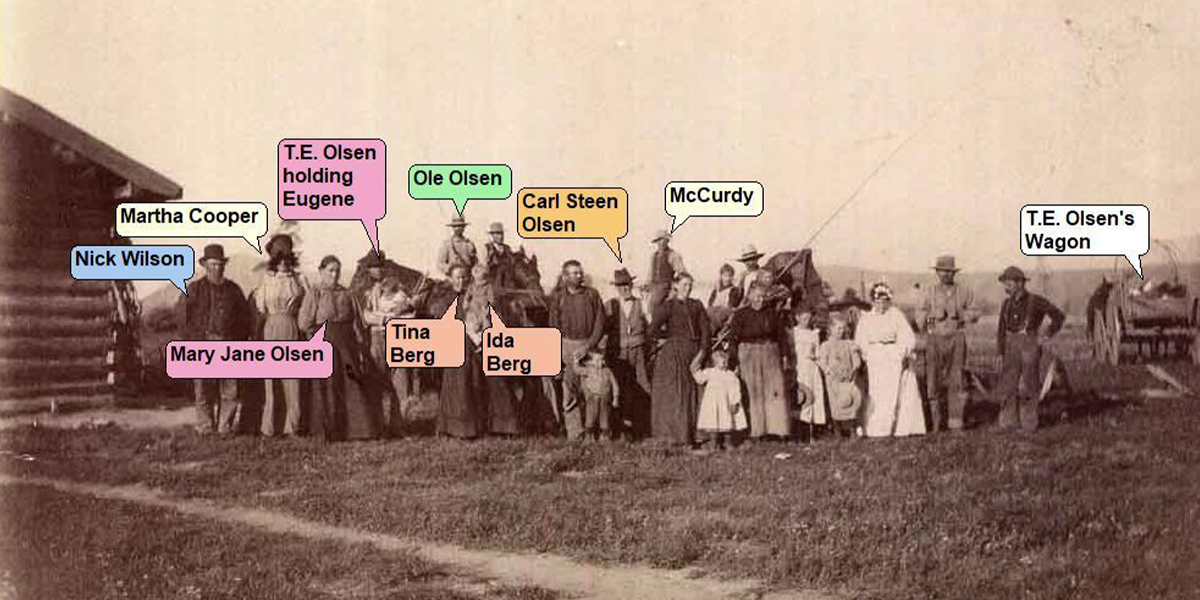
Adding a name tag to each person in a photo takes the guesswork out of trying to identify each person. Tags can also be searched making easy to find a specific photo using tags as a search option.
Tag and Identify Each Person
Create Beautiful Storybook Pages
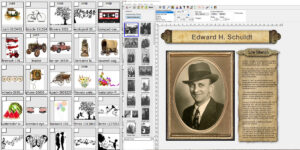
The free Storybook app that comes with Heritage Collector makes it easy to find and use your photos to create personalized storybook pages.
Drag a photo thumbnail displayed on the left to a storybook page.
Share Personalized Calendars
Share Personalized Calendars
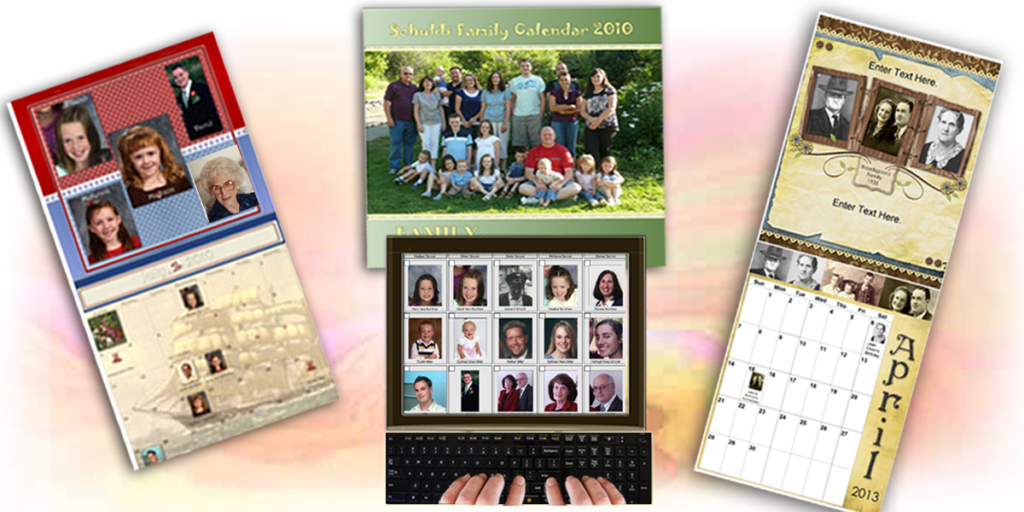
Calendars make great gifts to share. Our free calendar app makes it easy to create different kinds of calendars.
Create Calendars
Create Slideshows
Adding a name tag to each person in a photo takes the guesswork out of trying to identify each person. Tags can also be searched making easy to find a specific photo.
Create and Share Slide Shows

Search and Find any Photo or File in Seconds!
Adding a name tag to each person in a photo takes the guesswork out of trying to identify each person. Tags can also be searched making easy to find a specific photo.
Find any Photo or File in Seconds
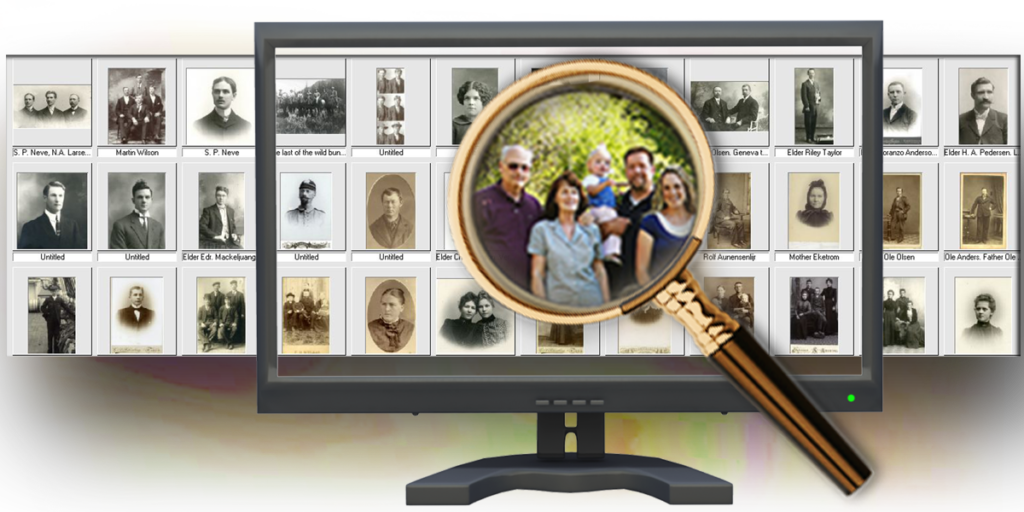
Create Your Own Family History Archive
Store your family history vital records in heritage collector. Why? It will be much easier to research the records you have already found and stored in collections. Finding and connecting the dots is facilitated when you can view the records side-by-side.
Archive and do Reserach
Watch the FREE Webinar about how to “Connect the Dots.”
Use an External Hard Drive
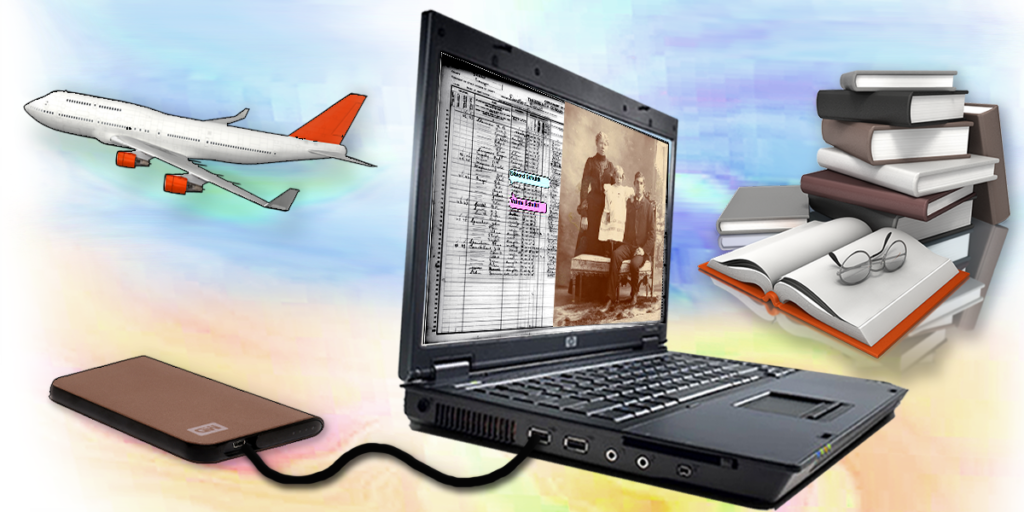
Heritage Collector can run on an external hard drive. That means you can take ALL photos, files and records with wherever you travel. Go to a reunion to share are and gather information while you are there. Store your family history vital records in heritage collector. Why? It will be much easier to search and research the records and information you have already found and stored in collections. It will be much easier to connect the dots.
Use Our Free Webinar Library!
Watching a recorded webinar will show you how to do some amazing things you didn’t know existed. The Questions & Answer portion of each webinar may help you solve a problem.
Find any Photo or File in Seconds
Watch the “Getting Started” webinar.


Connect With Another Family

Share and Reconnect With Family
This is a good time to reach out to your family and children.
Take advantage of our Buy One – Get One Free offer for Heritage Collector downloads.
A Special Offer Buy One – Get One FREE
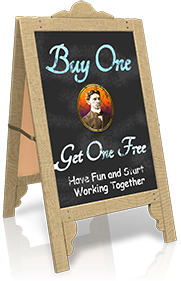 Heritage Collector makes is easy to share stories, photos and information with your family using the Internet. Purchase a Heritage Collector Download and get and second program free to share with anyone of your choice.
This offer so you can start sharing and working with others such as a child, grandchild, relative or friend during this difficult time.
Click Here to go to the Download Order Page.